> For the complete documentation index, see [llms.txt](https://docs.waveonsui.com/llms.txt). Markdown versions of documentation pages are available by appending `.md` to page URLs; this page is available as [Markdown](https://docs.waveonsui.com/product/gamefi/battle-game/single-mode.md).
# Single Mode
### HOW TO PLAY
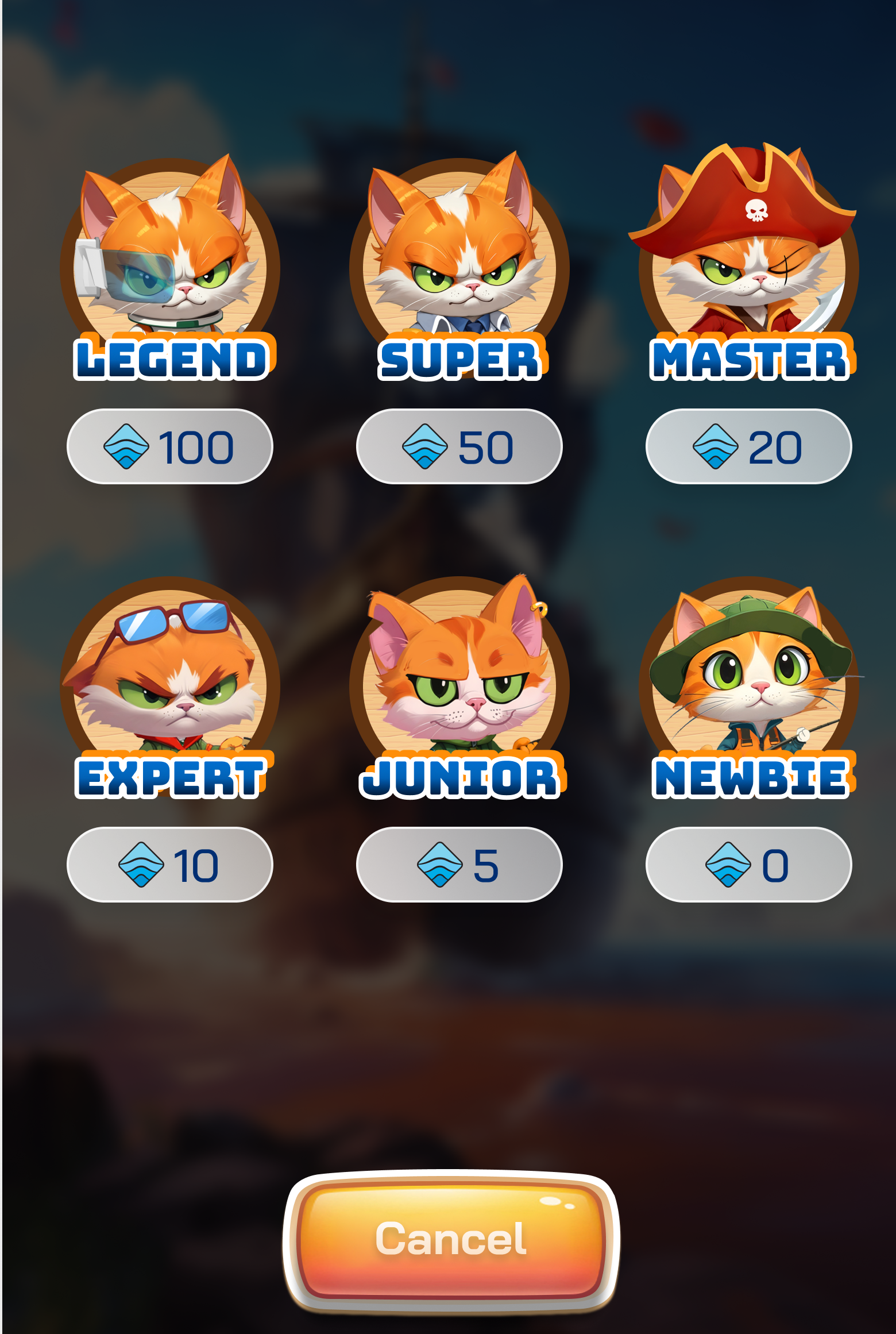
### I. Pool Selection Phase
Pool Options:
1. $OCEAN Pool
2. Others Pool - *Coming soon.*
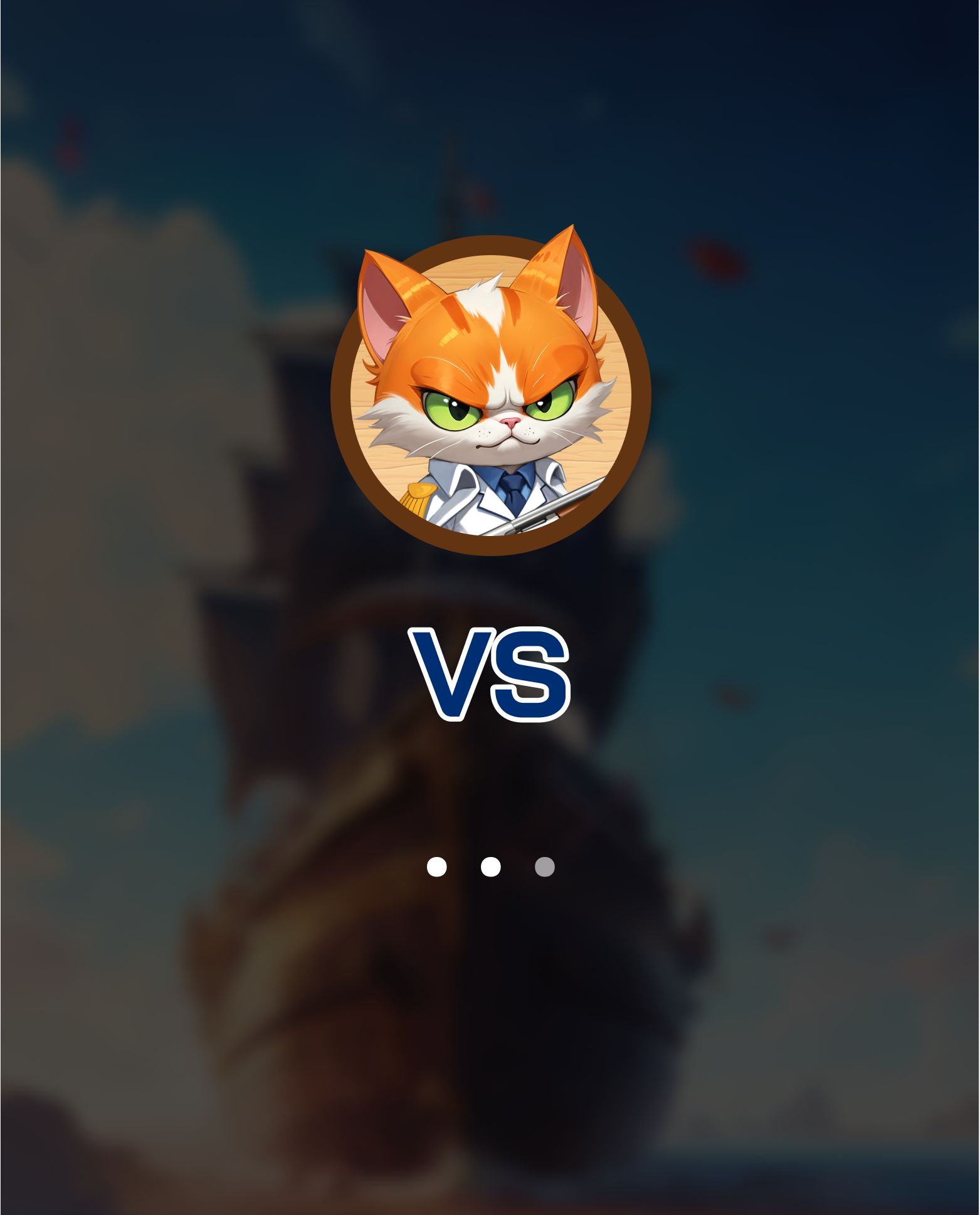
### II. Matching Phase
1. **Starting Phase:** The system randomly selects a player of similar rank to match.
2. **Matching Time:** Depends on the number of players online at the time.
3. **Matching Success**: When an opponent is found, an amount of OCEAN corresponding to the Pool Size will be deposited for the battle.
4. **Cancel Matching:** During this phase, players can choose to "Cancel" to abort the game.
### III. Deployment Phase
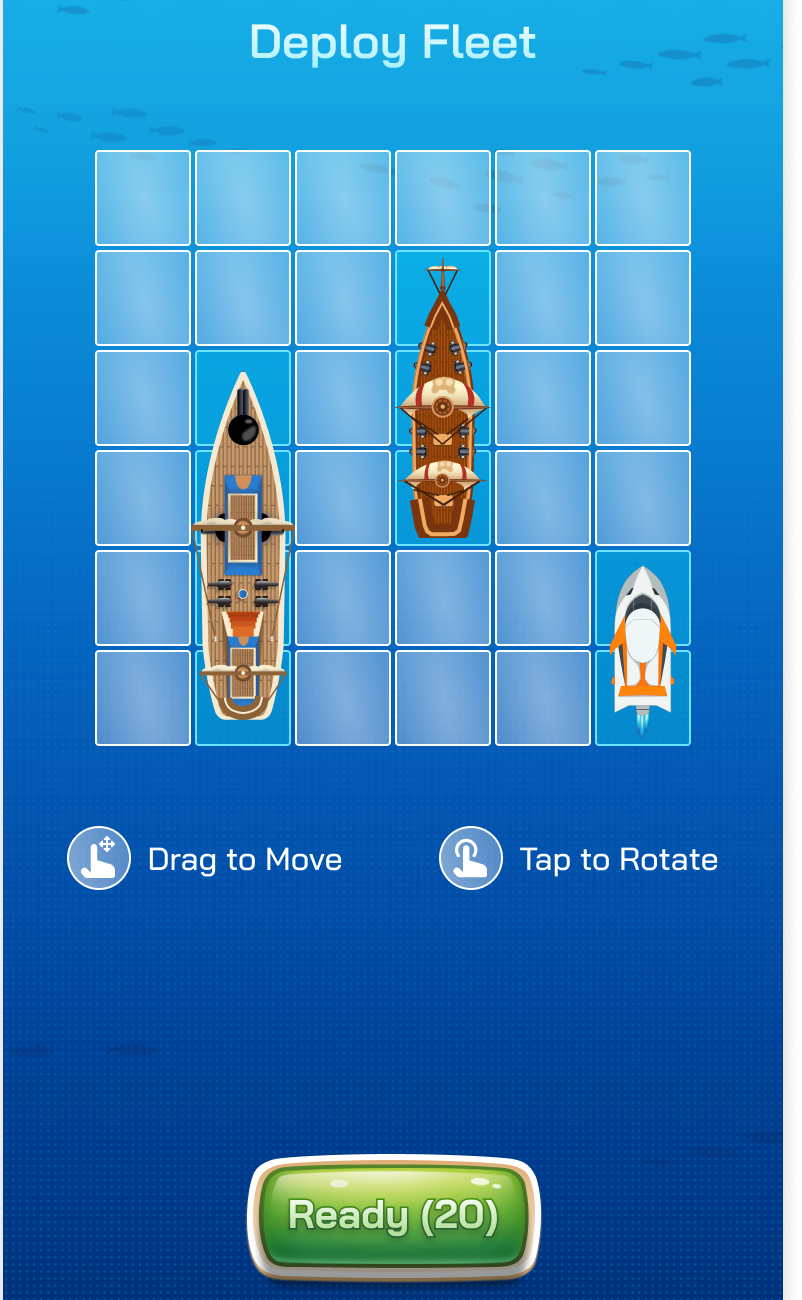
1. **Map and Ships**: The game map is 6x6 squares.
2. **Ship Ownership**: Each player owns 3 ships of different sizes: **1x2, 1x3, and 1x4.**
3. **Arranging Ships:** Players have 20 seconds to arrange their 3 ships on the map as desired.
* Use drag actions to move ships.
* Use tap actions to rotate ships.
4. **Completion of Deployment:** Once arranged, press "Ready" to complete this phase.
### IV. Battle Phase
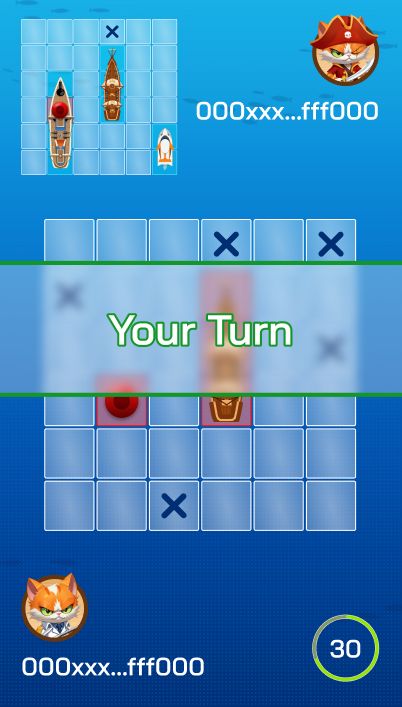
1. **First Attack:** One player is randomly chosen to make the first attack.
2. **Attacking:**
* Players have 30 seconds to select a position on the 6x6 map to attack.
* Cannot attack the same position twice.
* Successfully hitting an opponent's ship grants an additional attack.
* Missing transfers the attack turn to the opponent.
### V. Victory Phase
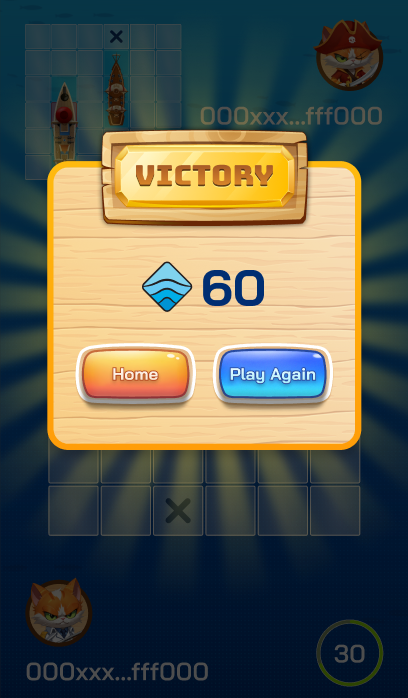
1. **Victory:** A player wins by successfully attacking all ship positions (3 ships - 9 positions) of the opponent's ships. The victorious player will receive:
* Received double the deposited OCEAN amount, minus a 5% system fee (only 2.5% for WOG Holders).
* [WAVE points.](/introduction/campaigns/wave-incentive-wave-points/battle-game.md)
2. **Defeat:** A player loses if all their ship positions (3 ships - 9 positions) are successfully attacked by the opponent. The defeated player willd receive:
* [WAVE points.](/introduction/campaigns/wave-incentive-wave-points/battle-game.md)
### Notes
* If ship arrangement isn't completed within 20 seconds in the Deployment Phase, the system uses the most recent valid arrangement for the Battle Phase.
* Careful planning and strategic decision-making in ship arrangement and attacks are crucial for victory.
* Players must make an attack within 30 seconds during the Battle Phase, or they automatically lose the match.
Enjoy playing the game and good luck!